
How to Make a Wedding Seating Chart: A Stress-Free Guide
October 31, 2026 · 6 min read
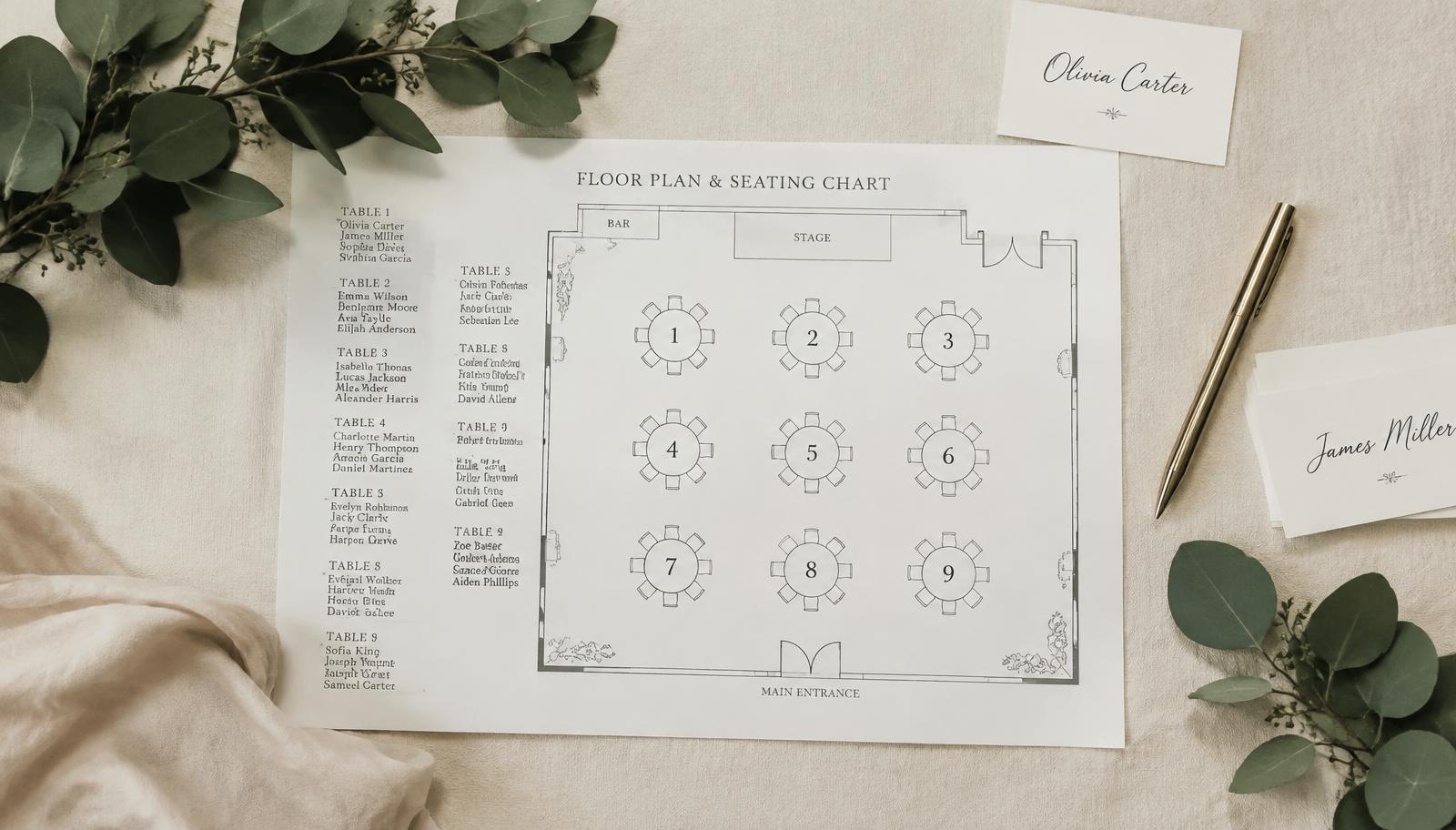
The seating chart is the task many couples leave until last, yet it is one of the things guests notice most on the day. A good plan gets everyone seated quickly, honours family and elders, and makes every table feel relaxed. Here is a practical process that works for weddings of 50 to 300 guests.
1. Start from confirmed RSVPs
Don't plan from your full invite list. Work from guests who have actually replied, and note who is bringing a plus-one or children so your seat count is accurate.
2. Place the most important tables first
- The head table or sweetheart table, closest to the stage
- Parents and close family from both sides, with a clear view of the ceremony
- The wedding party and VIP guests
- Then spread friends, colleagues and other guests outward
3. Group guests by relationship
People who know each other should sit together — university friends, coworkers, cousins. Tagging guests as bride's side, groom's side or mutual shows at a glance how many tables each side needs.
4. Always leave buffer seats
- Don't fill every table — leave one seat free for last-minute additions
- Keep one or two spare tables for guests who come without replying
- Seat elderly guests near the entrance and restrooms
- If there are many children, consider a kids' table near their parents
5. Lock the plan 1–2 weeks before the wedding
By then your guest list is stable. Send the final plan to the venue, your coordinator and the welcome team so everyone works from the same version.
6. Let guests find their seat on their phone
Instead of a queue in front of a printed board, guests scan a QR code, type their name and instantly see their table on the venue map. It cuts the line at the door, and you can change the plan up to the last minute without reprinting anything.
PlannerNova lets you drag tables onto your real venue floor plan, assign guests, and create a seat-finder QR code in one place. Try it free for 14 days.